































28 April 2026

Based on Freedom of Information data from NHS organisations, this new research reveals how small, repeated inefficiencies are costing over £1 billion a year — and, crucially, how that time can be returned to frontline care.

Sustainability Through Managed Print Services
12 February 2020
What Does ‘Digital Transformation’ Mean to Your Organisation?
17 March 2020Sustainability Through Managed Print Services
12 February 2020What Does ‘Digital Transformation’ Mean to Your Organisation?
17 March 2020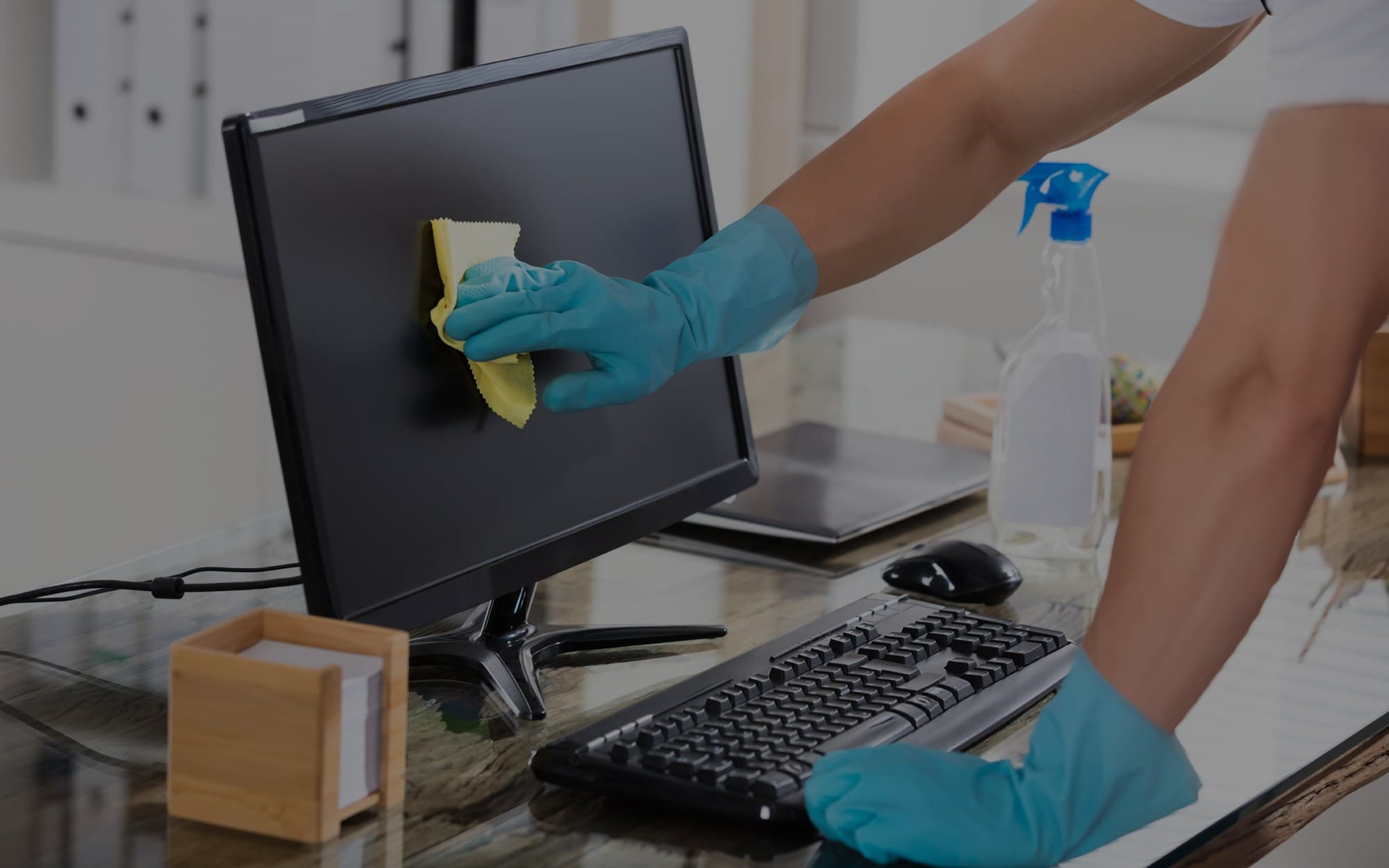
In the wake of the Coronavirus (COVID-19) outbreak, we recommend the following tips to help clean devices and maintain a healthy working environment.
We recommend that you check each device for the correct cleaning solution and guidelines.
Below are some top tips to help you keep your devices clean:
1. Wear disposable gloves made of latex (or nitrile gloves if you are latex-sensitive) when cleaning and disinfecting surfaces.
2. Turn off the device and disconnect AC power (for printers, devices should be unplugged from the outlet). Remove batteries from items like wireless keyboards. Never clean a product while it is powered on or plugged in.
3. Disconnect any external devices.
4. Moisten a microfiber cloth with the recommended solution for your device. Do not use fibrous materials, such as paper towels or toilet paper. The cloth should be moist, but not dripping wet.
5. Do not spray any liquids directly onto the product.
6. Gently wipe the moistened cloth on the surfaces to be cleaned. Do not allow any moisture to drip into areas like keyboards, display panels or USB ports located on the printer control panels, as moisture entering the inside of an electronic product can cause extensive damage to the product.
7. Start with the display or printer control panel (if applicable) and end with any flexible cables, like power, keyboard and USB cables.
8. When cleaning a display screen or printer control panel, carefully wipe in one direction, moving from the top of the display to the bottom.
9. Ensure surfaces have completely air-dried before turning the device on after cleaning. No moisture should be visible on the surfaces of the product before it is powered on.
10. After disinfecting, copier/scanner glass should be cleaned again using an office glass cleaner sprayed as recommended by your device guidelines onto a clean rag to remove streaking.
11. Gloves should be discarded after each cleaning. Clean hands immediately after gloves are removed.
If in doubt, always refer to manufacturer guidelines.
To learn more, please fill out the contact form:
By submitting this form, you acknowledge that you have read and understand the Apogee Privacy Statement.
Data Privacy Policy | Cookies Policy
See the latest insights on the modern workplace, and more about what we’ve been up to.